

Array Flatten in JavaScript

Introduction
When working with data in JavaScript, you may encounter nested arrays, which are arrays inside other arrays. While nested arrays are useful for organizing grouped data, they can sometimes make processing more complex.
For example, if you want to loop through all values or perform operations on them, working with nested structures can be difficult. This is where array flattening becomes useful.
Flattening an array means converting a nested array into a single-level array. In this article, we will understand what nested arrays are, why flattening is needed, and different ways to flatten arrays in JavaScript using simple and practical examples.
Main Content
What are nested arrays
A nested array is an array that contains one or more arrays as its elements.
Example:
let arr = [1, 2, [3, 4], [5, 6]];
Here, [3, 4] and [5, 6] are arrays inside the main array.
Why flattening arrays is useful
Flattening is useful when:
You want to process all elements in a single loop
You need to simplify complex data structures
You want to perform operations like sum, filter, or map easily
You receive nested data from APIs
Example:
let arr = [1, [2, 3], [4, 5]];
Flattened version:
[1, 2, 3, 4, 5]
This makes the data easier to work with.
Concept of flattening arrays
Flattening means removing one or more levels of nesting from an array.
Before flattening:
[1, [2, [3, 4]]]
After flattening:
[1, 2, 3, 4]
Approach 1: Using flat()
JavaScript provides a built-in method called flat().
Example:
let arr = [1, 2, [3, 4], [5, 6]];

let result = arr.flat();

console.log(result);
Output:
[1, 2, 3, 4, 5, 6]
Flatten deeper levels:
let arr = [1, [2, [3, 4]]];

console.log(arr.flat(2));
To completely flatten:
arr.flat(Infinity);
Approach 2: Using reduce()
We can use reduce() to manually flatten arrays.
Example:
let arr = [1, [2, 3], [4, 5]];

let result = arr.reduce((acc, val) => acc.concat(val), []);

console.log(result);
Output:
[1, 2, 3, 4, 5]
This approach works for one level of nesting.
Approach 3: Using recursion
For deeply nested arrays, recursion is useful.
Example:
function flatten(arr) {
  let result = [];

  for (let item of arr) {
    if (Array.isArray(item)) {
      result = result.concat(flatten(item));
    } else {
      result.push(item);
    }
  }

  return result;
}

let arr = [1, [2, [3, 4], 5]];

console.log(flatten(arr));
Output:
[1, 2, 3, 4, 5]
This method handles any level of nesting.
Approach 4: Using flatMap() (basic idea)
flatMap() is useful when you want to map and flatten at the same time.
Example:
let arr = [1, 2, 3];

let result = arr.flatMap(x => [x, x * 2]);

console.log(result);
Output:
[1, 2, 2, 4, 3, 6]
Common interview scenarios
Flattening arrays is a common interview question. You may be asked:
To flatten an array without using built-in methods
To flatten deeply nested arrays
To write a recursive solution
To optimize performance
Understanding the logic is more important than memorizing code.
Visual Explanation


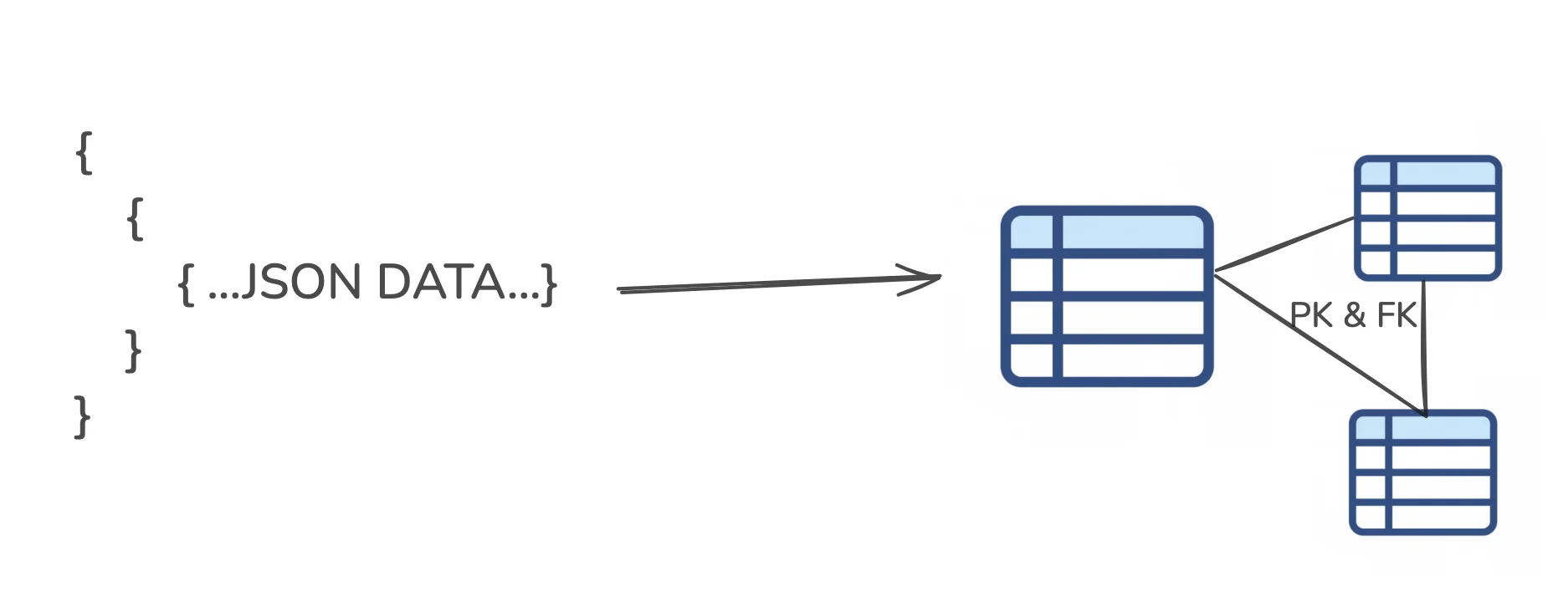
These diagrams show how nested arrays are transformed into a single-level array.
Practice Assignment
Try the following:
- Flatten this array:
let arr = [1, [2, 3], [4, [5, 6]]];
- Use:
flat()reduce()recursion
- Compare results.
Example using recursion:
function flatten(arr) {
  let result = [];

  for (let item of arr) {
    if (Array.isArray(item)) {
      result = result.concat(flatten(item));
    } else {
      result.push(item);
    }
  }

  return result;
}

console.log(flatten(arr));
Conclusion
Nested arrays are common in JavaScript, especially when working with structured data. However, they can make data processing more complex. Flattening arrays helps convert nested structures into a simpler, single-level format.
We explored multiple ways to flatten arrays, including the built-in flat() method, using reduce(), and using recursion for deeper nesting. Each approach has its own use case.
For beginners, it is recommended to start with flat() for simplicity and then understand recursion for solving more complex problems. Practicing these approaches will help you handle real-world data and prepare for technical interviews.


